

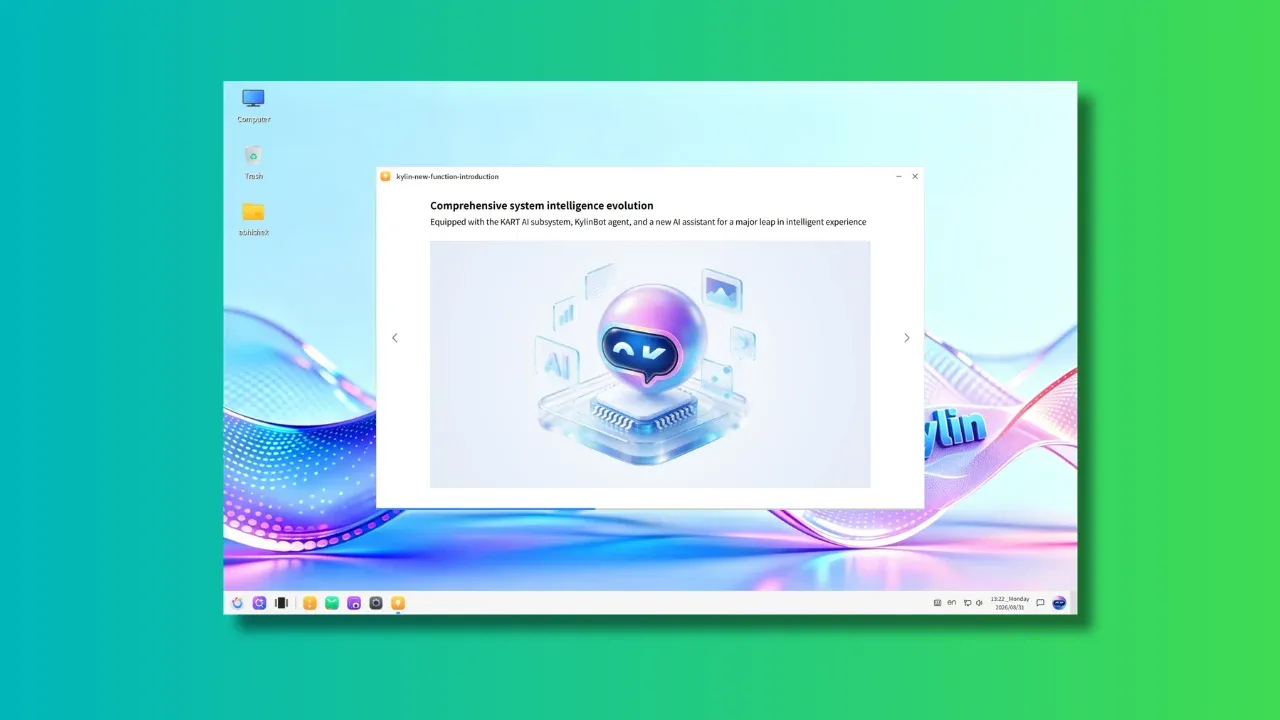
openKylin is China’s homegrown, open source operating system which is developed by a consortium of companies, research institutes, and individual contributors.
We have covered openKylin in the past but that was more than two years ago. There is a new major release in the form of openKylin 3.0 that brings Linux kernel 7.0, UKUI (desktop environment) 4.24 and deeply integrated AI at the core.
Let’s see the highlight of the new release.
AI is at the center of openKylin 3.0
Among the most highlighted changes in the new release is the built-in, all-new KylinBot AI agent framework, along with Xiao K, the AI assistant built on top of it.
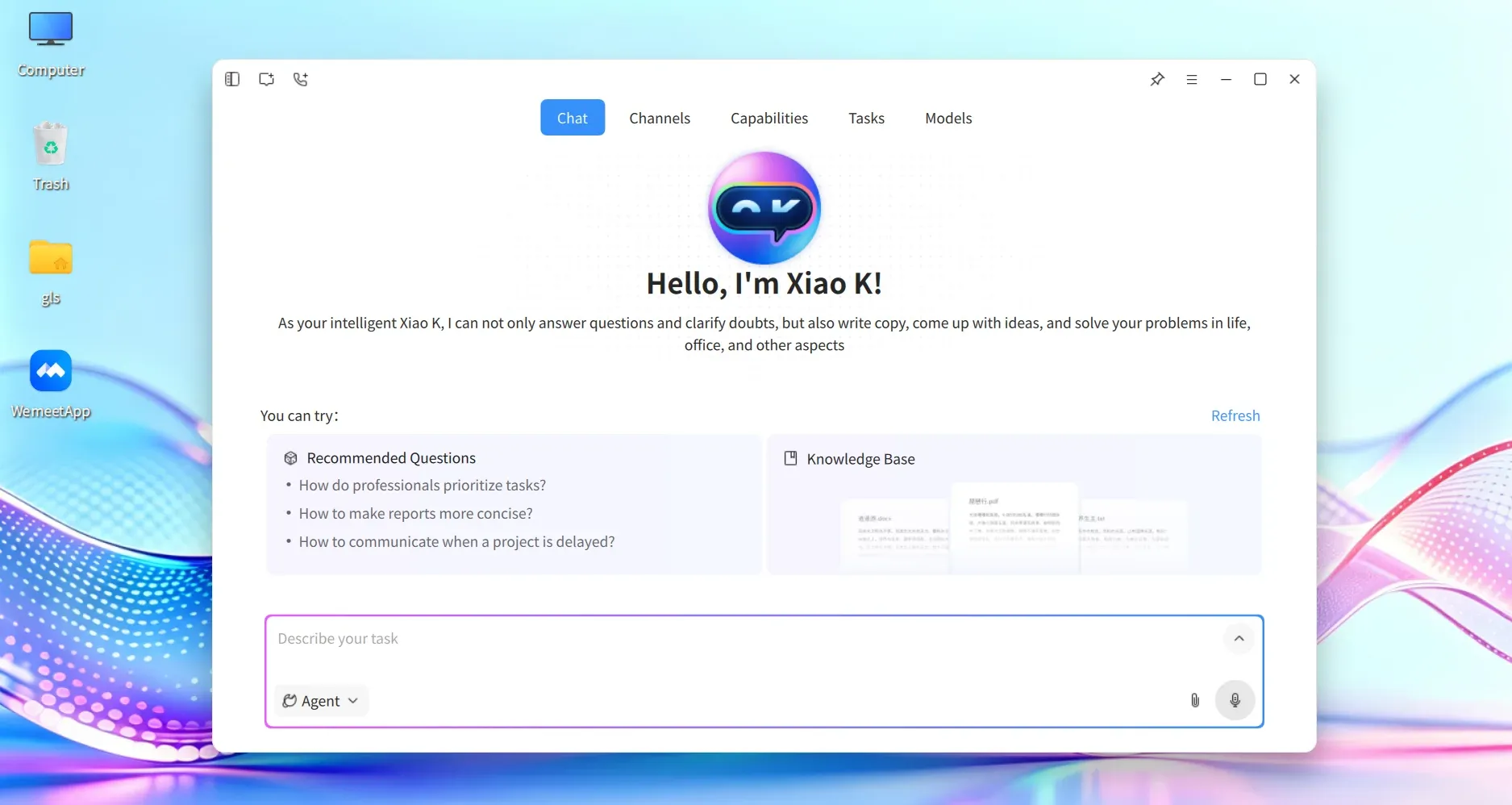
Xiao K is basically the graphical interface similar to Hermes Desktop and most other AI tools of this sort. The underlying KylineBot AI agent framework integrates it with the system.
And then it comes with several pre-built system skills like:
- Input Devices: Full coverage for keyboard, mouse, and touchpad.
- Display Control: Screen brightness and OSD display adjustments.
- Network Management: Deep integration with the NetworkManager command-line tool to manage Wi-Fi, Ethernet, and VPNs with a single command.
- Peripheral Management: Bluetooth toggle, device discovery, and automatic audio device pairing.
- System Controls: Power management, taskbar operations, shortcut navigation, and system app controls
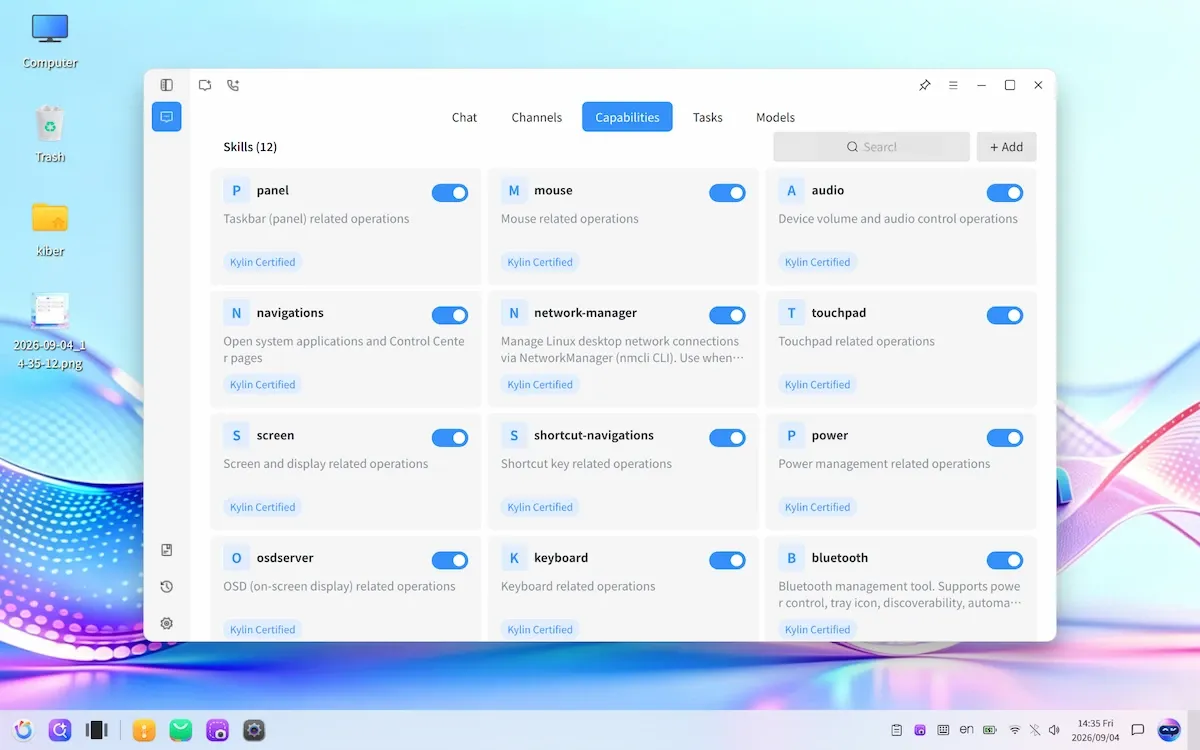
This way, you can ask the agent in Xiao K to switch off the bluetooth or switch to a different network, change the input keyboard layout and more. You don’t need to go through the command line or click through the system settings. The agent does the job for you.
Seems like overkill, right? But it makes more sense if you use the voice input. People these days use Siri hands-off for calling to specific contacts. So, if you could just talk to your computer and ask it to connect to your bluetooth headphone, why not?
Remember that Ubuntu 26.10 is also working on AI integration. Omarch 4.0 got a sudden surge in popularity for AI (and its looks). So, even if you dislike AI, there is a demand for it. And sooner or later, most desktop operating systems will have built-in AI assistants like this. openKylin is just a few steps ahead of its peers.
There are more skills that can be found on openKylin’s repo here. It is in Chinese language and I do hope they start offering these features in English as well to cater a larger global audience.
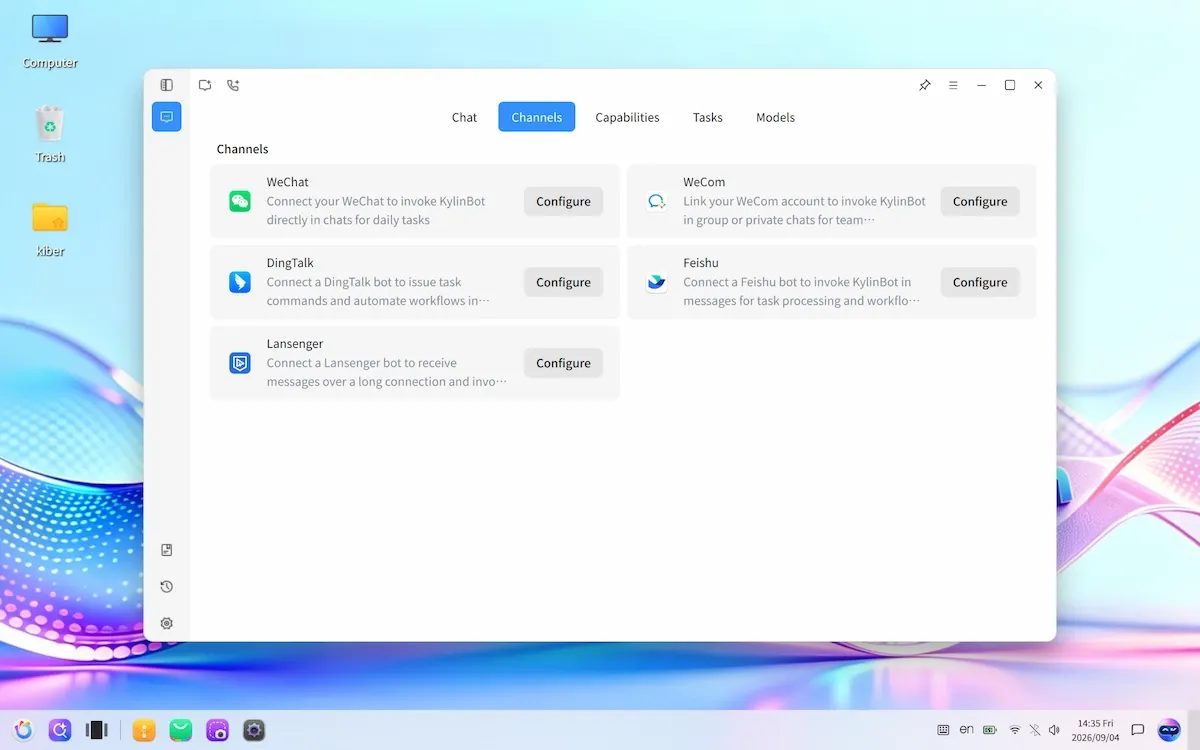
Like Hermes, OpenClaw and other AI tools, Xiao K doesn’t stay to your desktop only. You can communicate with it from messaging tools like WeChat, Feishu, DingTalk etc. Telegram and Discord support is planned.
UKUI version 4.24
The UKUI (Ultimate Kylin User Interface) desktop environment is upgraded to version 4.24. The new version brings the following updates:
Standardized API encapsulation across UKUI modules and integration with KACP (Kylin Agent Control Protocol), enabling KylinBot to invoke underlying desktop capabilities via unified APIs.
The new version also brings accessibility support in the form of a screen reader. It also has air gesture controls, which means you can control some desktop functionality with the movement of the hands instead of touching the screen or using a mouse or keyboard.
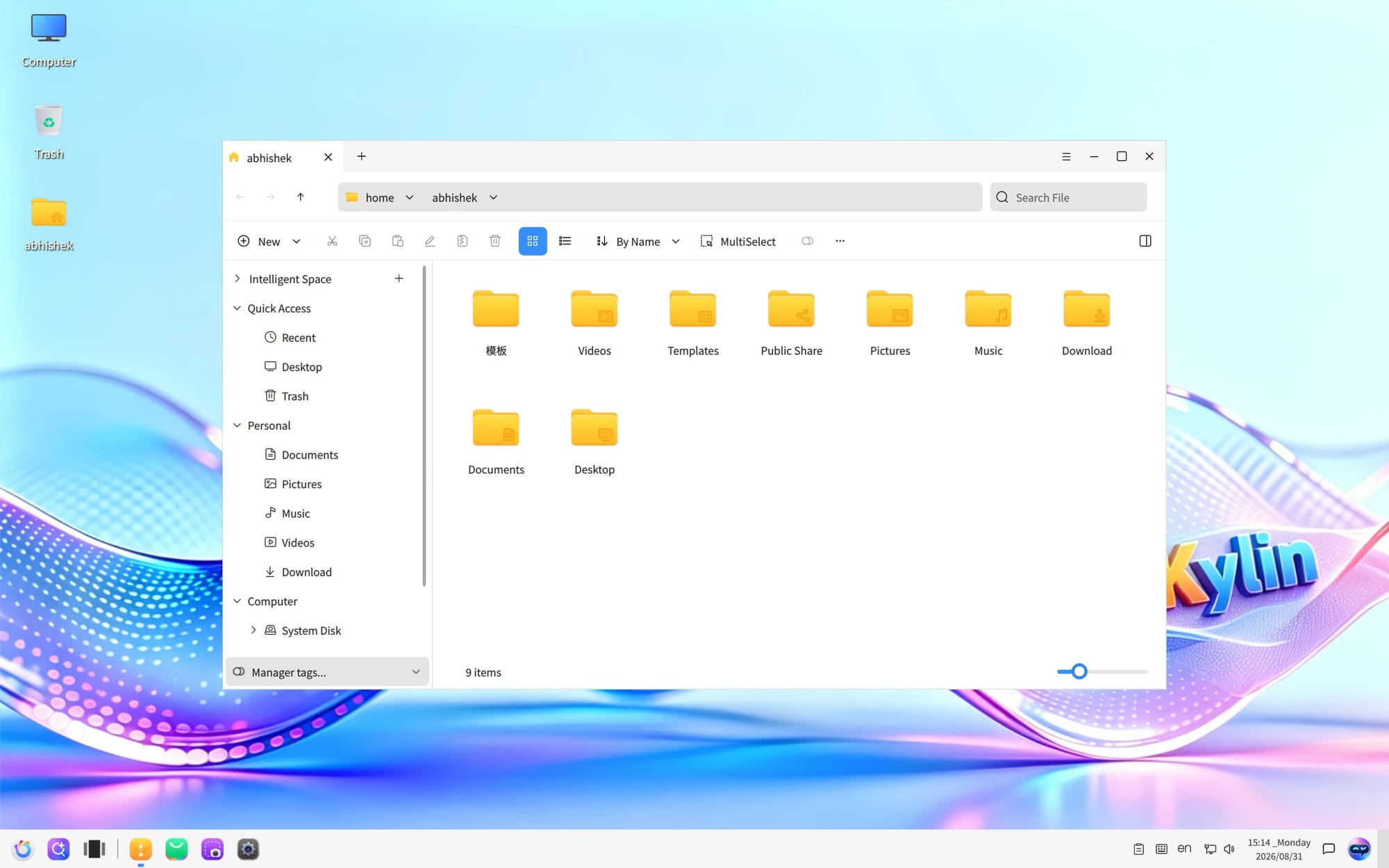
This works on Android devices thanks to the proximity sensor in the smartphone. Here, Kylin uses the webcam to capture the hand gestures.
The feature to enable dynamic wallpaper is also added for enhanced eye candy. In other visual changes, “Three-Island” taskbar layout mode is added as an option.
Touchpad gets enhanced multi-finger gesture interactions, supporting multitask view, volume control, and other actions using 3-finger and 4-finger gestures.
Rustification
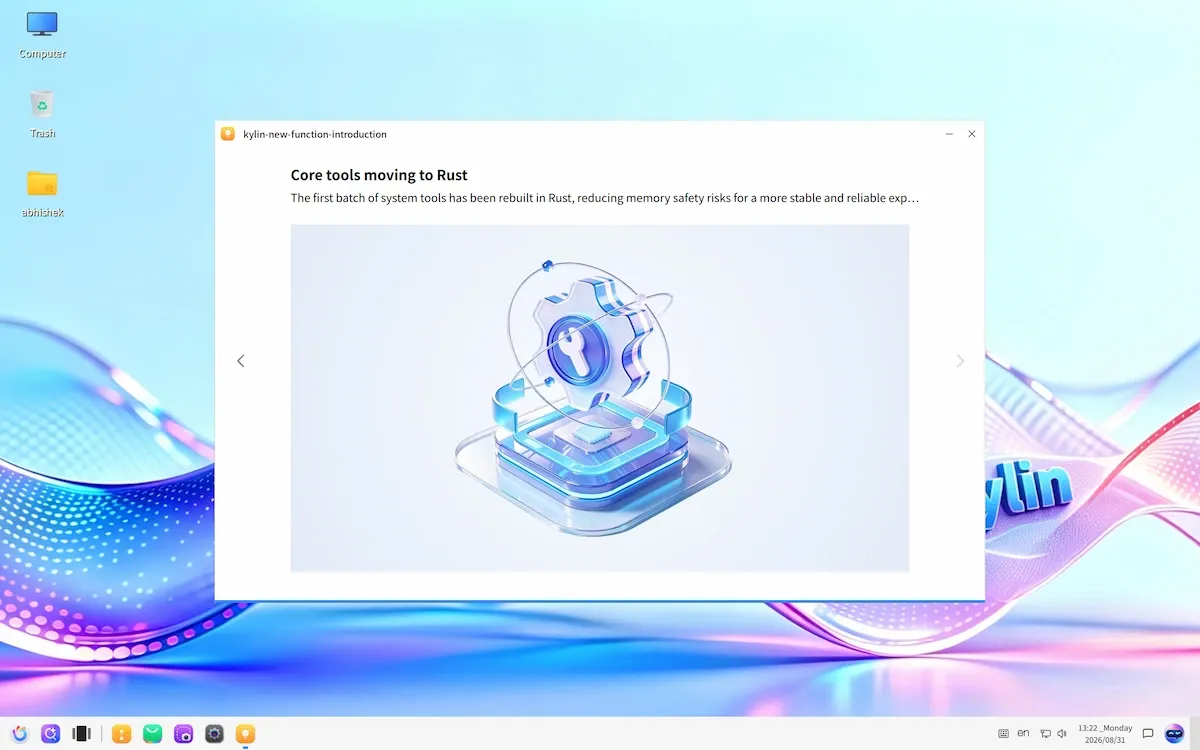
Since both AI and Rust are in trend these days, openKylin 3 has new Rust-based utilities that replace the older, classic utilities.
kylin-time replaces the legacy time utility, kylin-wget replaces the classic wget and kylin-ki18n replaces the ki18n.
Getting openKylin
If you want to give it a try, you can download openKylin from the official website. The ISO is a little over 7 GB. The size is primarily because the OS comes with pre-installed AI models.
I plan to test openKylin 3.0 on my spare system. It is okay in VM, but since there is a lot of AI integration and I would like to use them to see how effectively they work on a baremetal system. I will share my findings in a review video. Stay tuned for that.


